● CASE STUDY · IDENTIUM TECH SOLUTIONS
Identium UHF Desktop Reader
A vendor binary protocol, re-implemented from scratch in TypeScript.
OVERVIEW
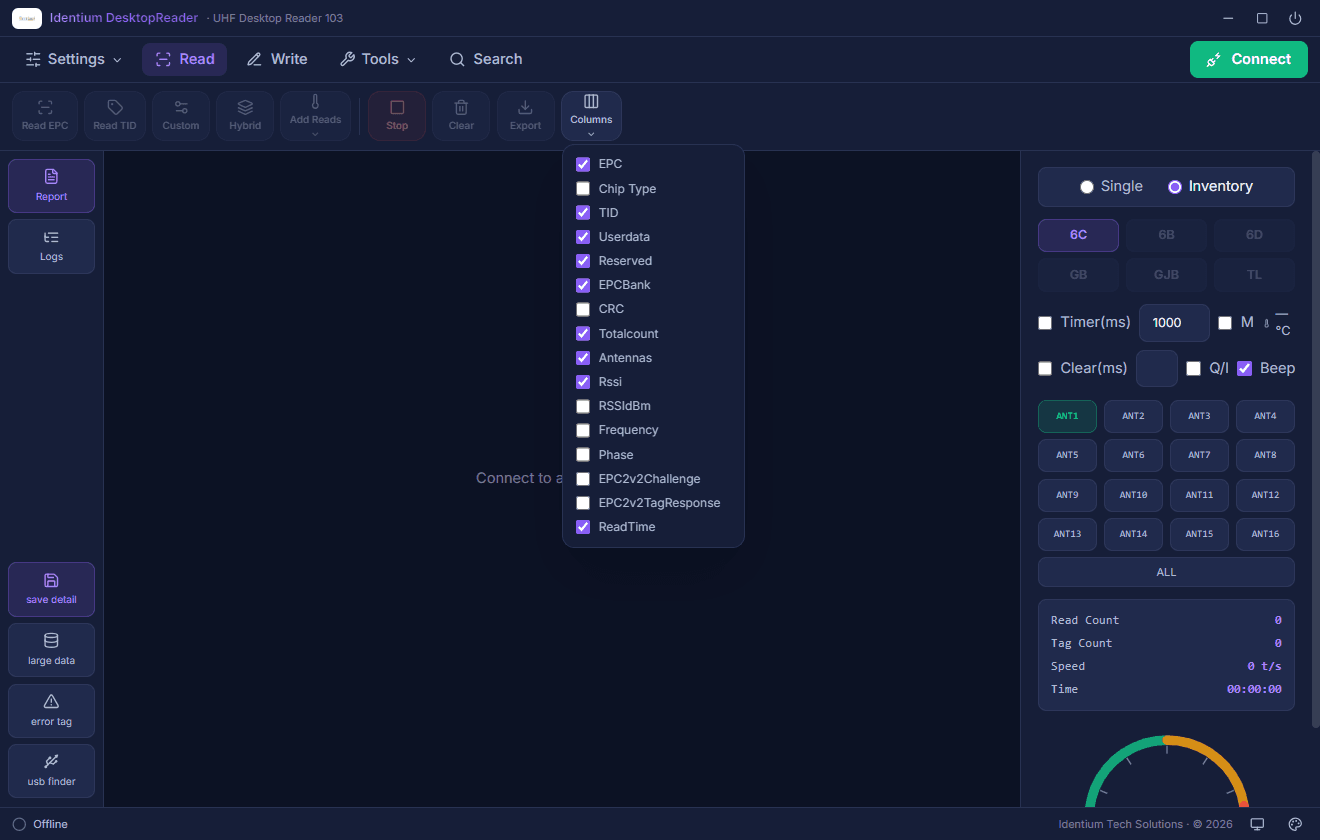
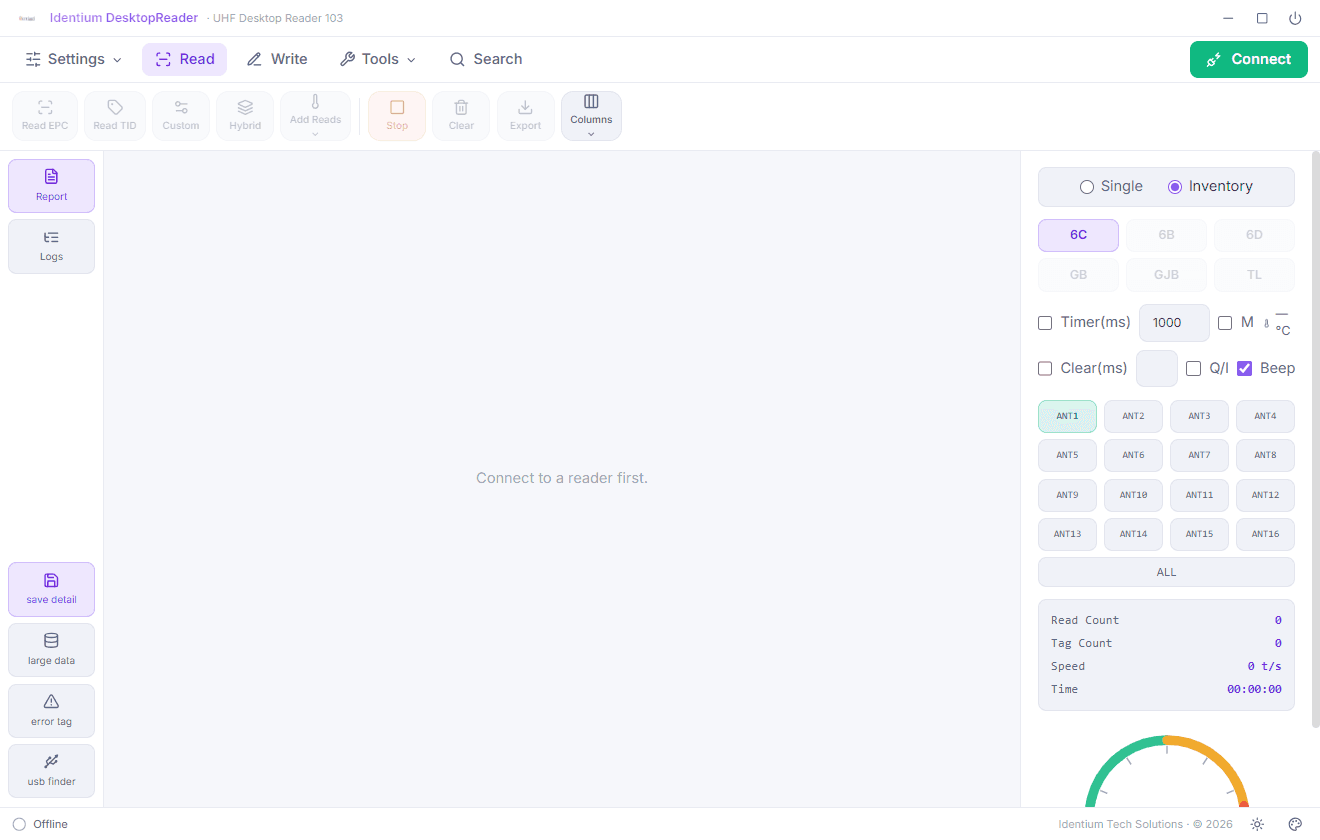
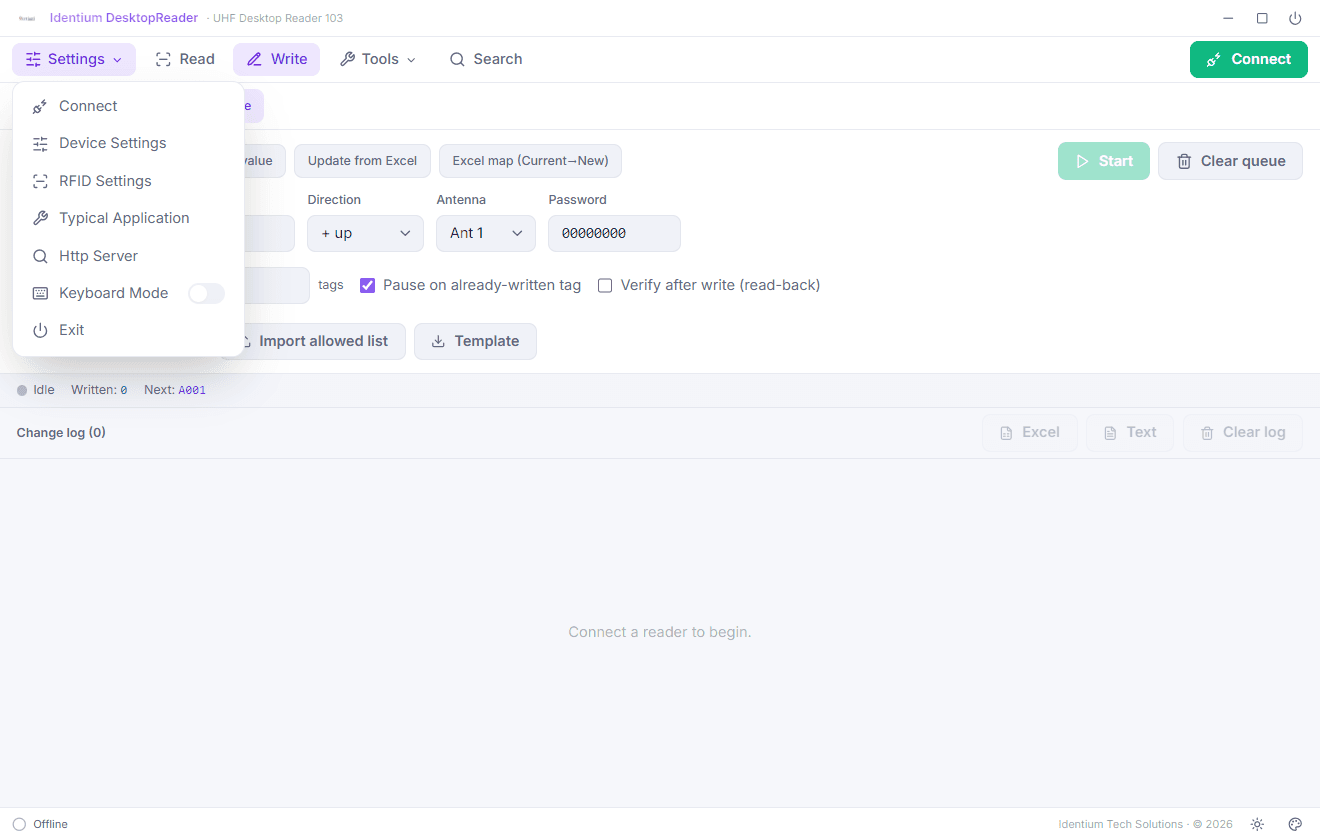
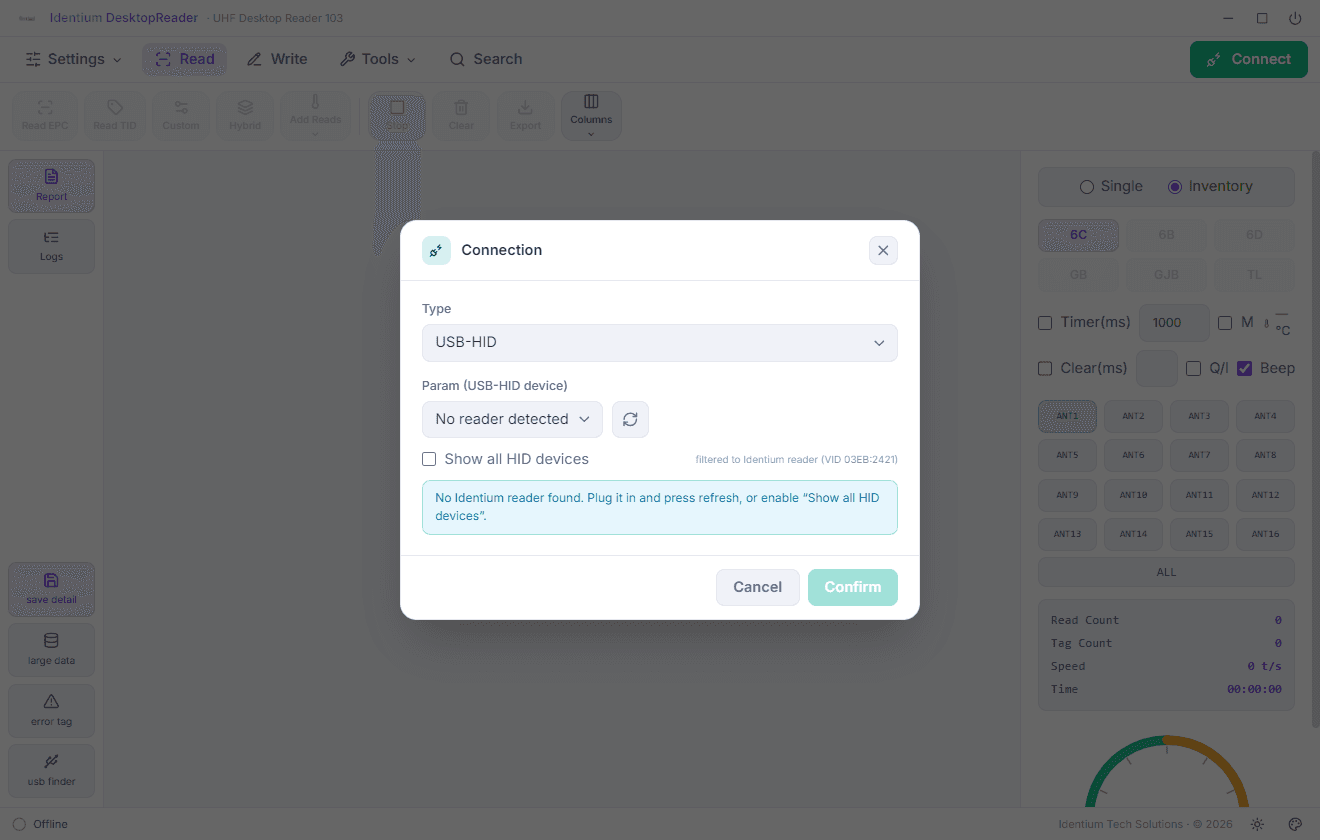
The official desktop companion for Identium's UHF Desktop Reader 103. Connect over USB HID, serial or TCP, stream live inventory with full tag metadata (EPC, TID, RSSI, frequency, phase), program tags one at a time or in production batches, and configure the reader (GPIO, network, keyboard mode) from one UI.
THE CHALLENGE
The reader speaks NRP, a vendor binary protocol, and the official SDKs are C/C++/C#/Java, none of which a modern Electron app wants to link against. Instead of wrapping another closed DLL, I rebuilt the protocol itself: every frame, checksum and command reimplemented natively in TypeScript.
WHAT I BUILT
- 01
A pure-Node NRP protocol implementation (0x5A-framed packets, 4-byte protocol control words, CRC-16/CCITT, big-endian field parsing) with a self-test script that validates framing against captured traffic.
- 02
Triple transport support with device discovery: USB HID (node-hid), RS232/RS485 serial (serialport) and TCP. The app finds the reader wherever it's plugged in.
- 03
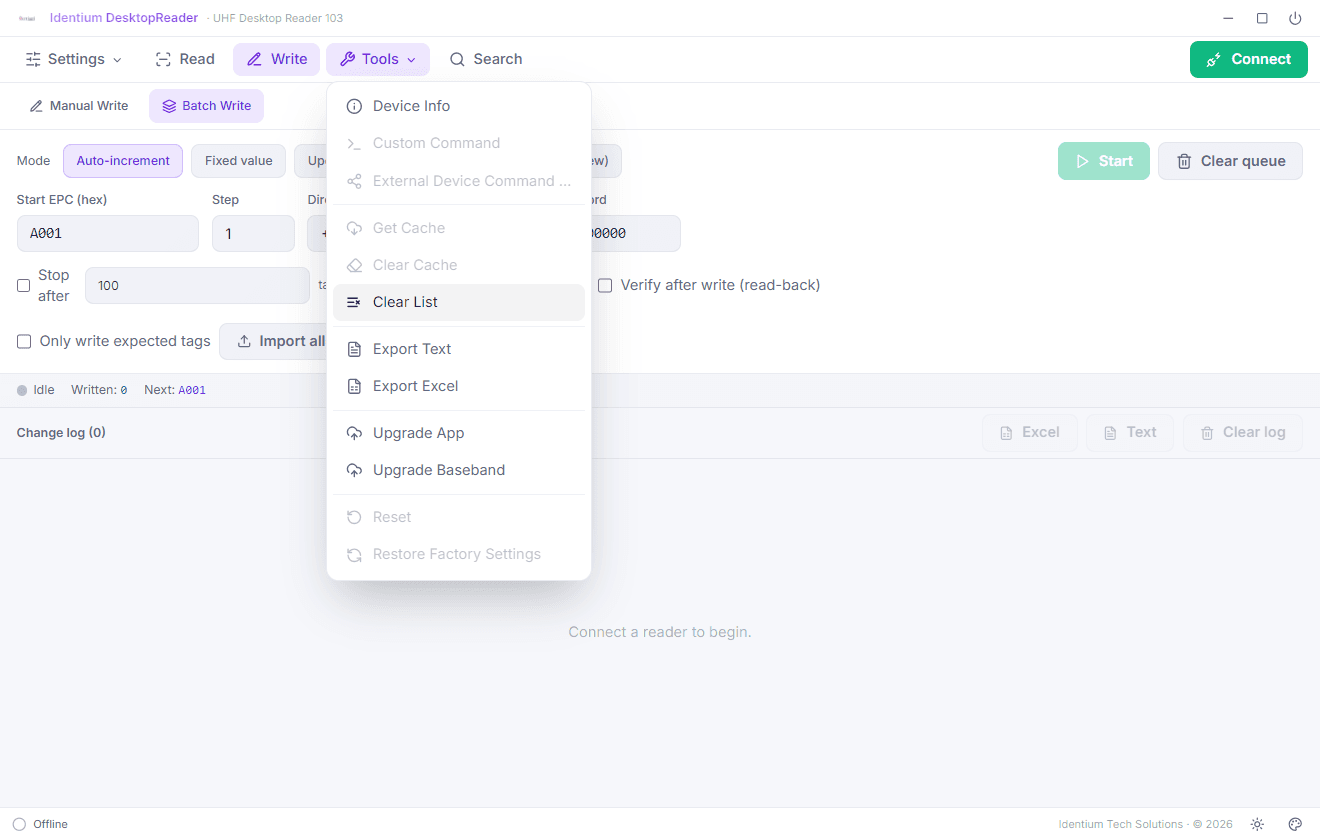
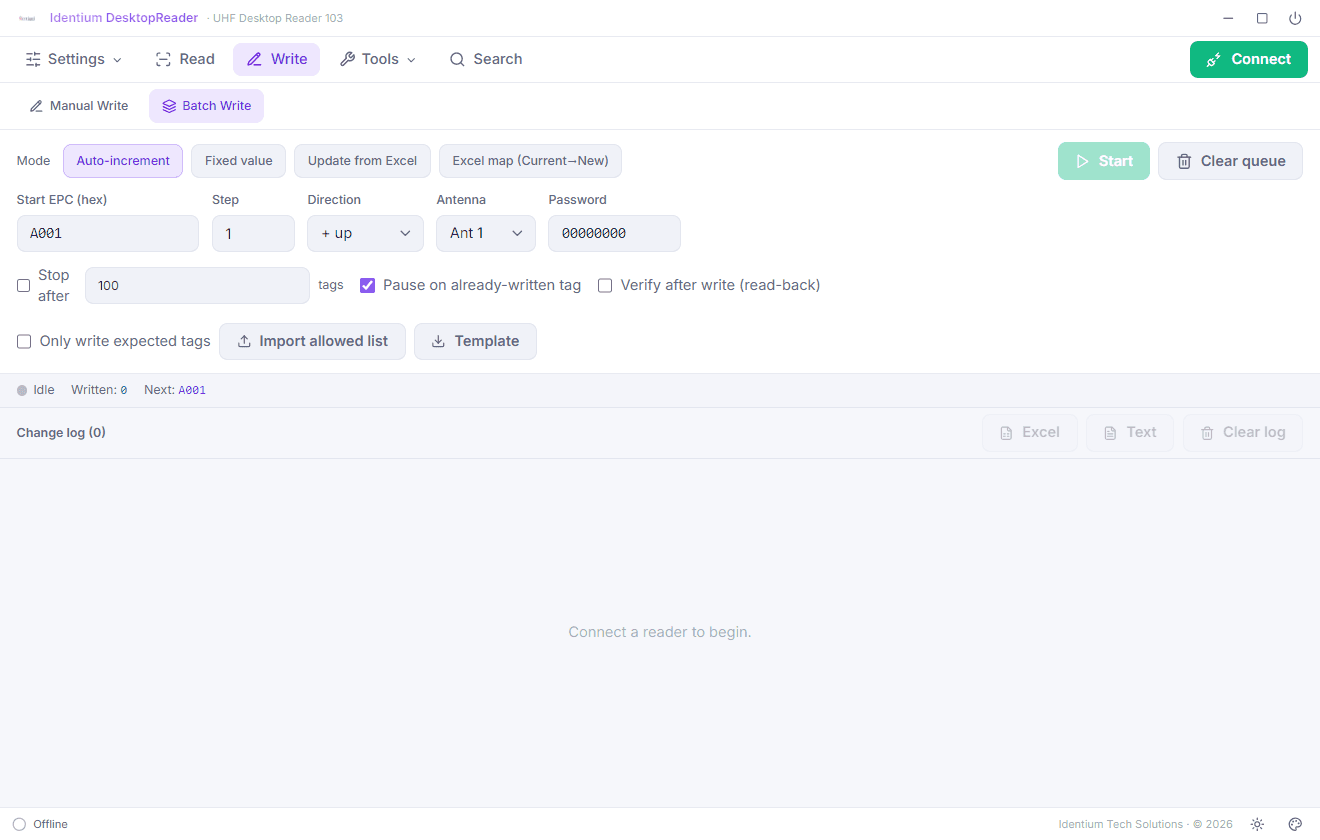
A batch write engine for production lines: place-and-write flows, auto-incrementing serials, Excel 'Current → New' EPC mapping via xlsx, post-write verification and a change-log export.
- 04
Full read metadata streaming (EPC/PC/CRC/TID/User/Reserved banks, RSSI, antenna, frequency, phase, read count) across EPC Gen2, ISO 18000-6B and GB/T tag standards.
OUTCOME
Proof the stack doesn't need the vendor's binaries at all: a signed, shipping desktop app (v1.1.3) on a protocol implementation owned end to end.
GALLERY